You blank.
They point at a hydrant, bug, plant, meter, pipe, sign, or weird machine, and your brain serves you static.
Snap the real thing they noticed. Get a kid-sized answer you can say out loud. Keep the curiosity in the world.
Free trial. No payment due today.
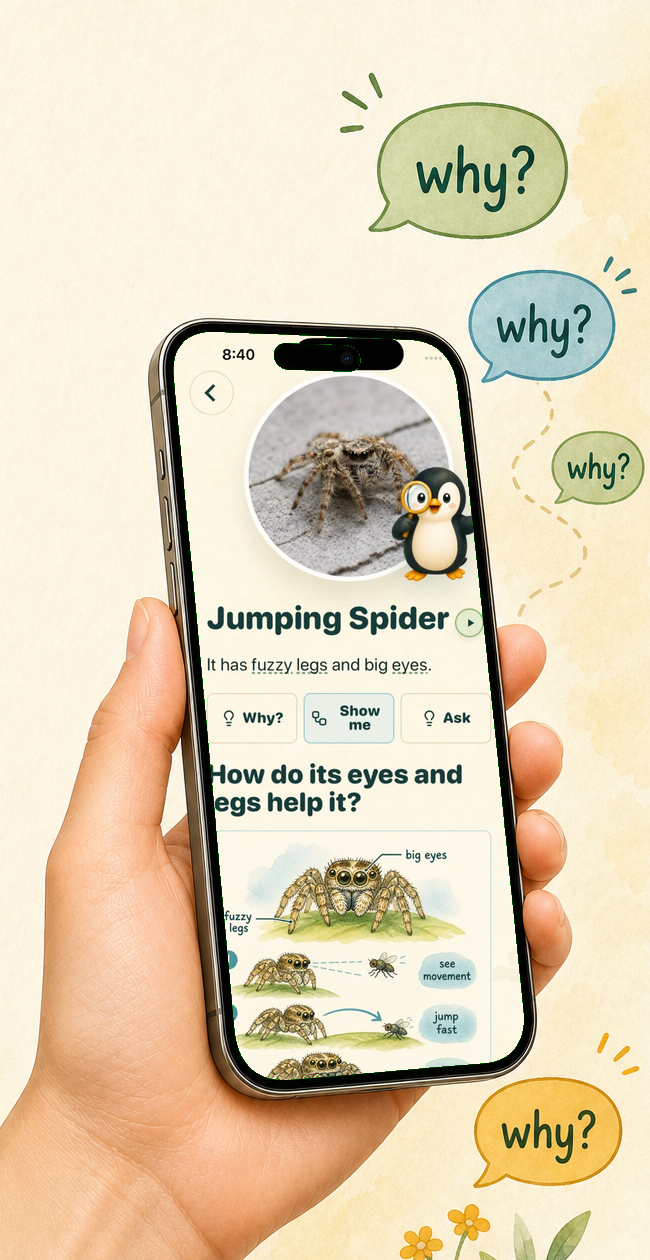
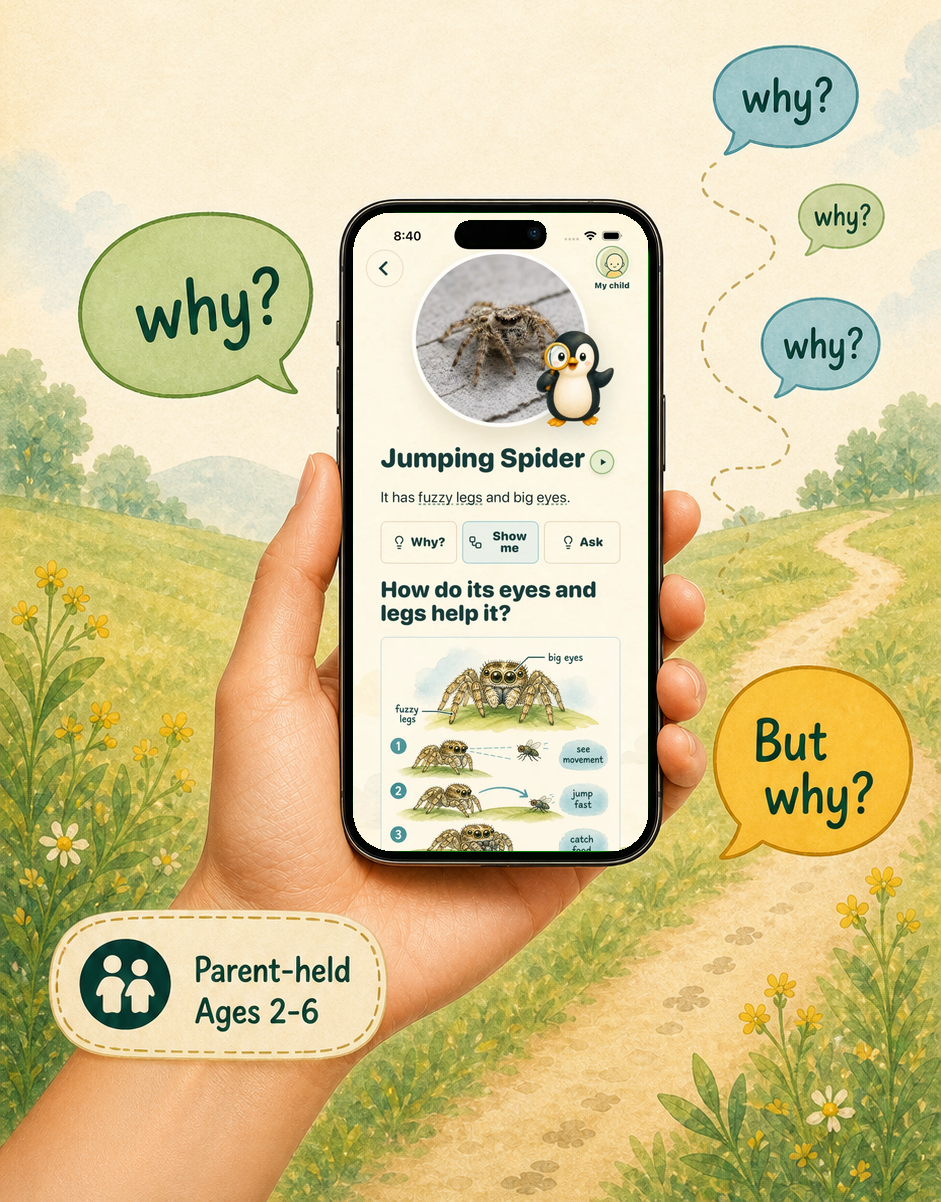
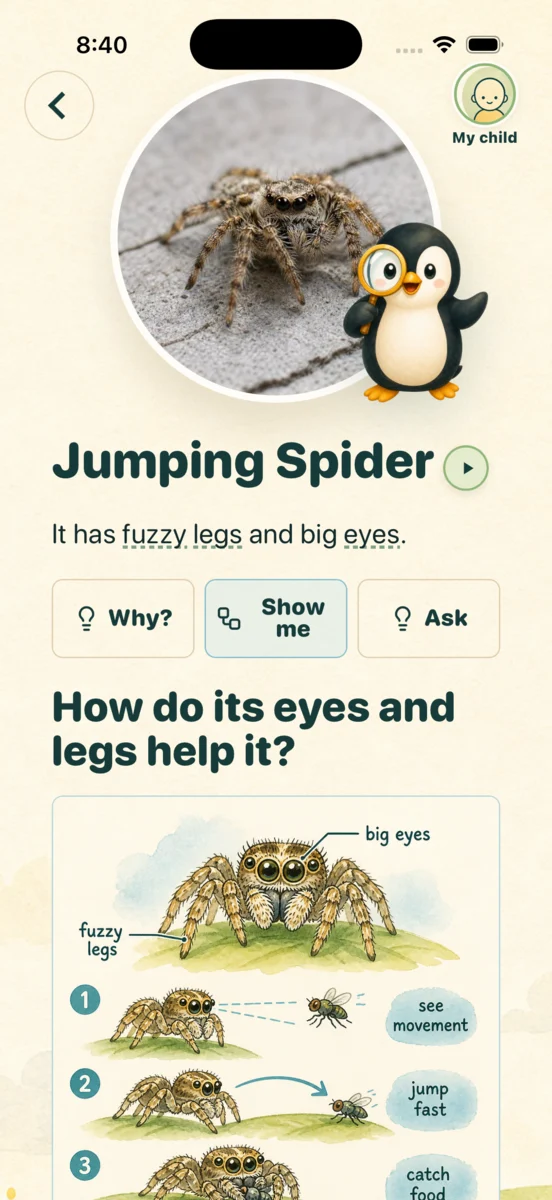
You do not need to know everything. You need one honest, simple answer before the moment turns into a search rabbit hole or a scroll session.
They point at a hydrant, bug, plant, meter, pipe, sign, or weird machine, and your brain serves you static.
Close enough becomes the habit, even when they are clearly trying to build a map of the world.
The phone becomes the activity. WhatThat keeps it as your tool, then points everyone back to the object.
A parent opens WhatThat, takes a photo of the thing their child noticed, taps the object, and gets a short explanation matched to the child's age. No open-ended chat needed.
Use the camera for the real object in front of you.
Keep the answer tied to what your child actually noticed.
Read it yourself or play the short audio when your hands are full.
Ask why, show a simple visual, and save the discovery in the Wonder Book.
The app stays simple because the moment is already moving. Capture the thing, answer the question, and give them language for what they are seeing without making the phone the destination.
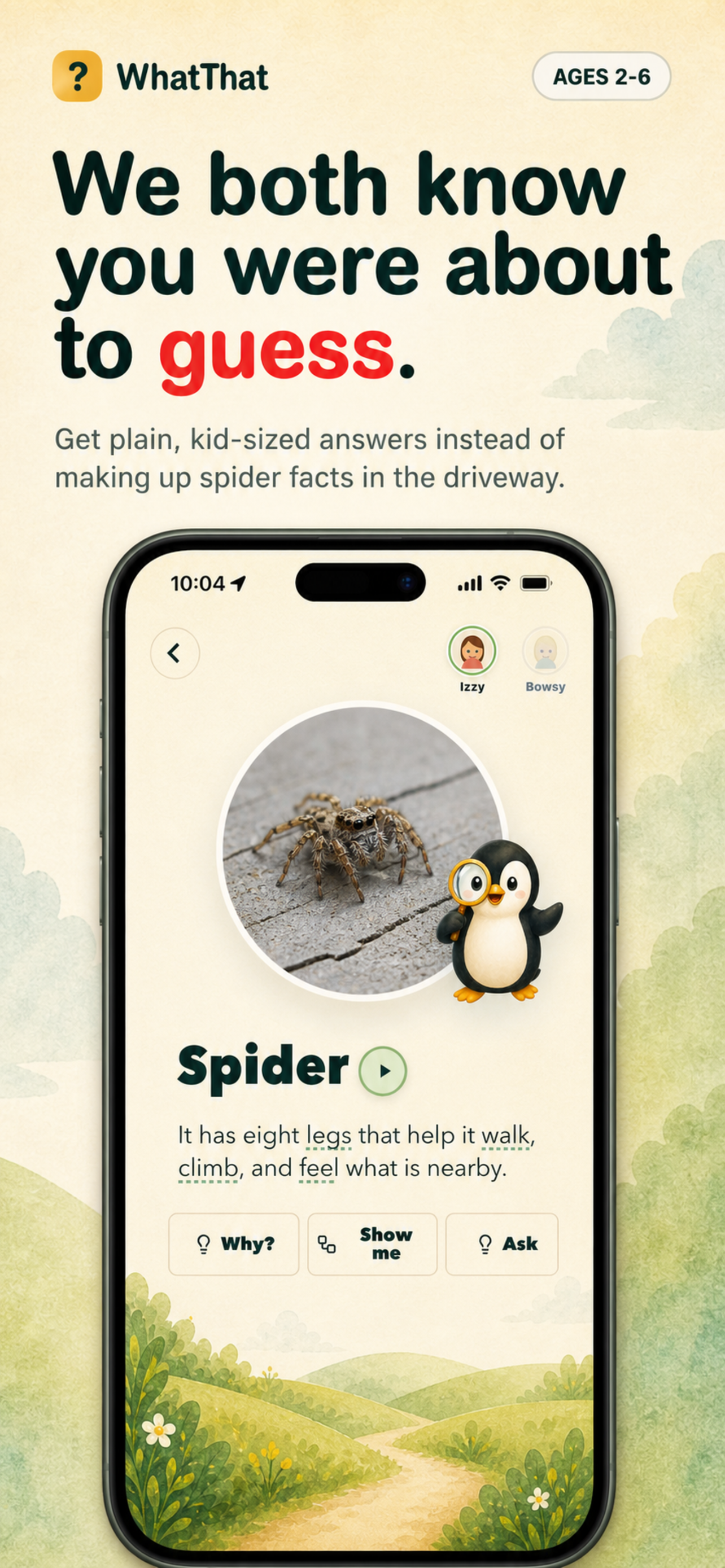
Turn the object in front of you into a short answer before the question evaporates.
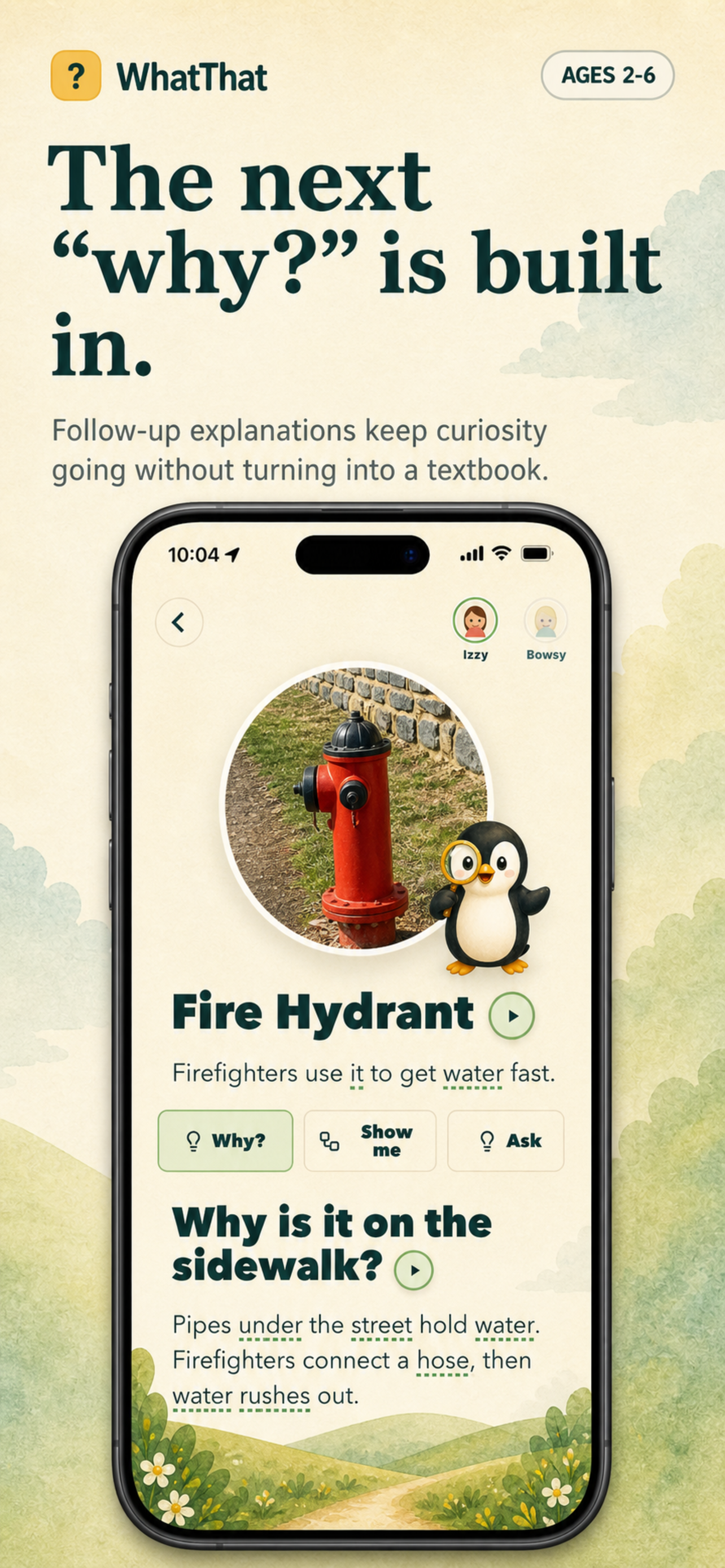
Follow-up explanations stay simple enough to say while your child is still curious.
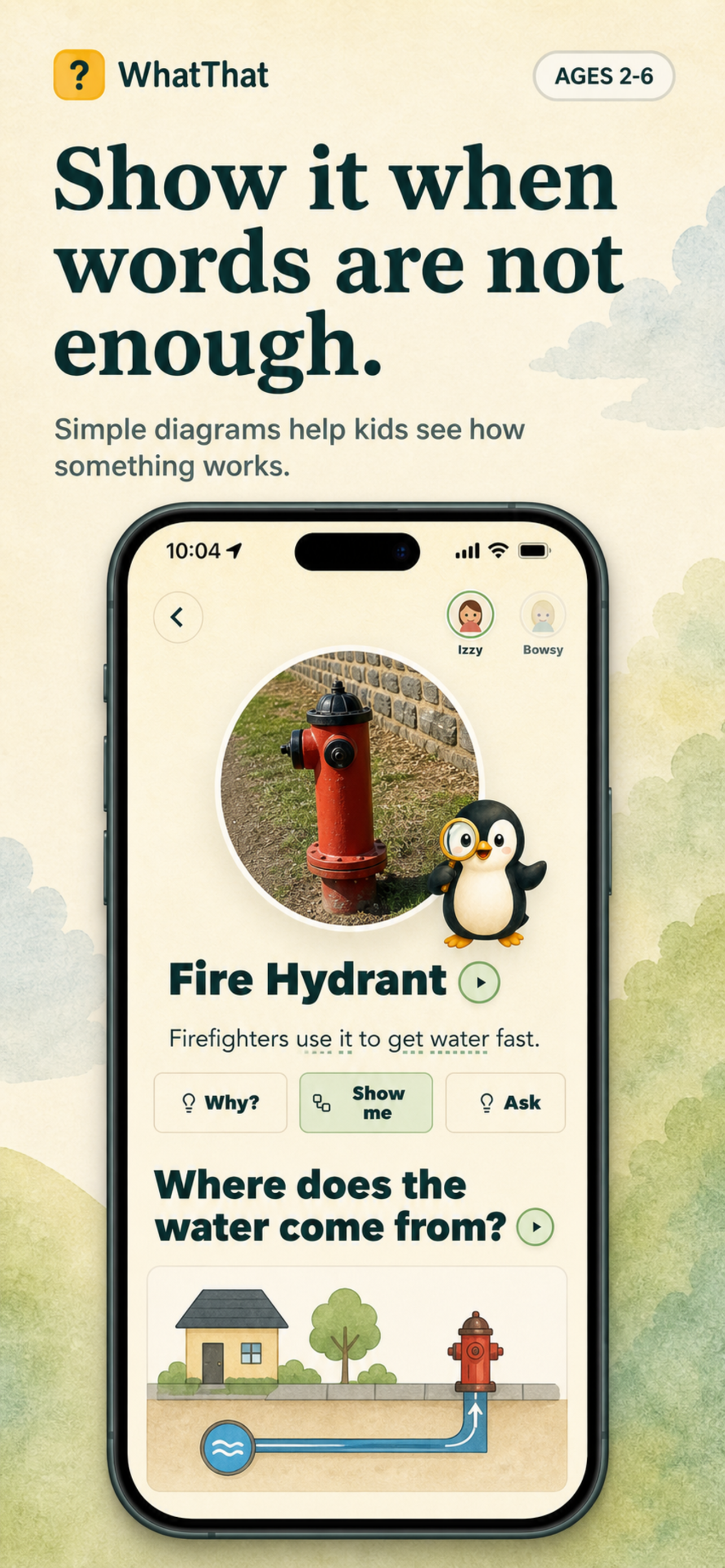
Simple visuals help explain pipes, bugs, hydrants, machines, and other everyday mysteries.
Ages 2 to 6 are a high-opportunity stretch for vocabulary, concepts, and back-and-forth talk. WhatThat is built to help parents catch more of those ordinary learning moments without turning them into screen time.
Children learn more when adults respond to what they are already noticing.
Quick, concrete explanations help connect names, causes, parts, and purposes.
Sidewalks, kitchens, parks, stores, and alleys are full of words they have not learned yet.
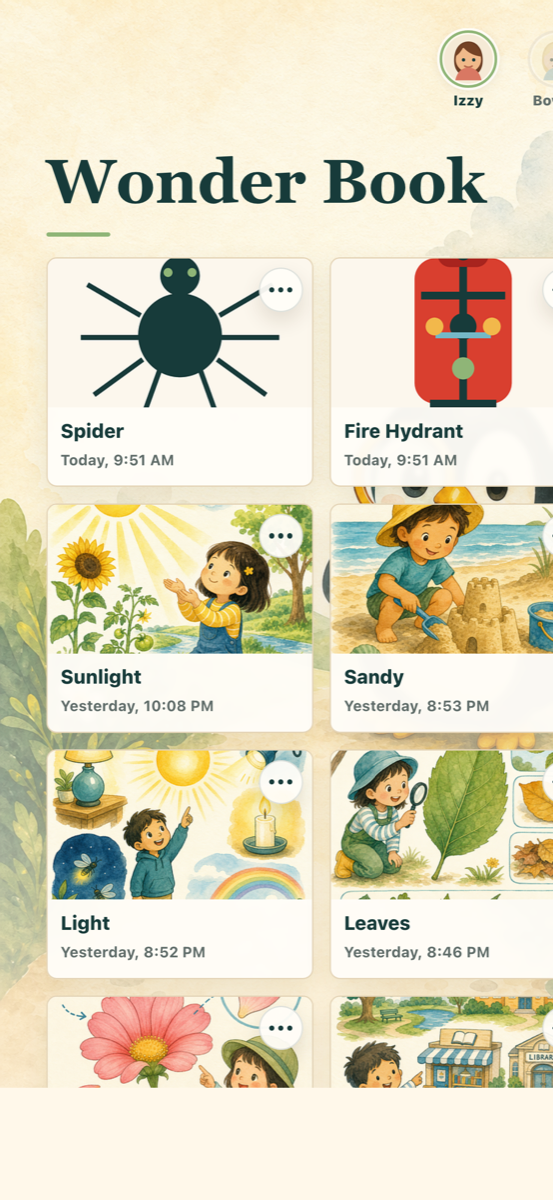
The best questions are tiny and easy to miss. WhatThat saves the trail, so bugs, signs, tools, plants, pipes, and machines can become a Wonder Book you return to together.
Profiles help answers stay concrete, short, and age-aware.
Past questions become a little record of what your child noticed in the real world.
Camera, audio, visuals, and quick parent-held handoff moments are the whole point.
WhatThat is for adults helping children understand real objects, not for children to create accounts, wander through chat, or disappear into another feed.
Open the camera, get the next sentence, then look back at the bug, hydrant, plant, sign, or strange little machine together.
No public profiles, comments, feeds, follower loops, or open-ended kid browsing. The app is a quick adult tool for real-world curiosity.
The Wonder Book saves the trail of what caught their eye, so everyday discoveries can become something you revisit together.
WhatThat comes from people who have been building in education since 2016. The product philosophy is deliberately parent-held: use the phone as a quick adult tool, then get back to the child, the object, and the conversation.
Try the parent-held curiosity camera that keeps kids pointed at the world.
Free trial. No payment due today.
▶See it handle real kid questions.
Gas meter dials, explained for a kid
Don't BS kids
City infrastructure, toddler version